Computer Vision Syndrome: Simple Ways to Prevent Digital Eye Strain
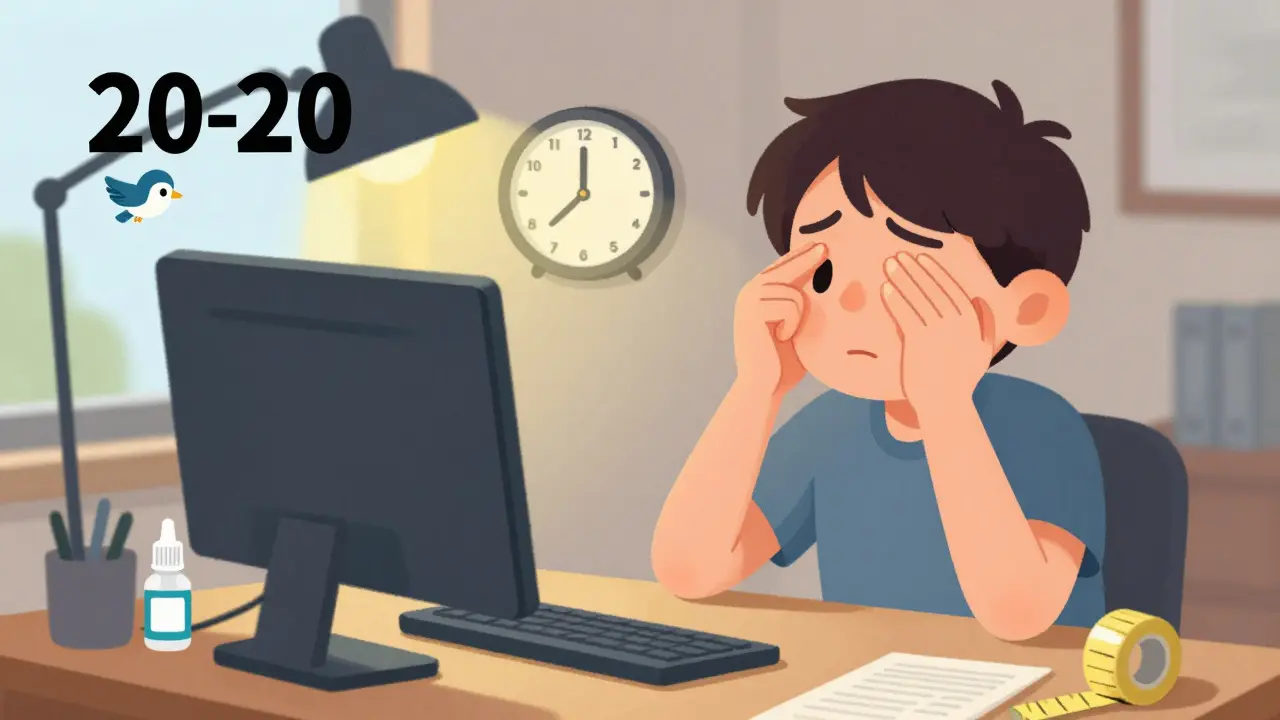
If you’ve ever finished a long day at your desk and felt like your eyes were sandpaper, your head was pounding, or your neck was stiff from hunching over your screen-you’re not alone. This isn’t just "being tired." It’s computer vision syndrome, also called digital eye strain. It’s not a myth. It’s a real, measurable condition affecting up to 90% of people who spend two or more hours daily in front of screens. And it’s getting worse. The average person now stares at digital devices for nearly seven hours a day. Your eyes weren’t designed for this.
Why Your Eyes Are Struggling
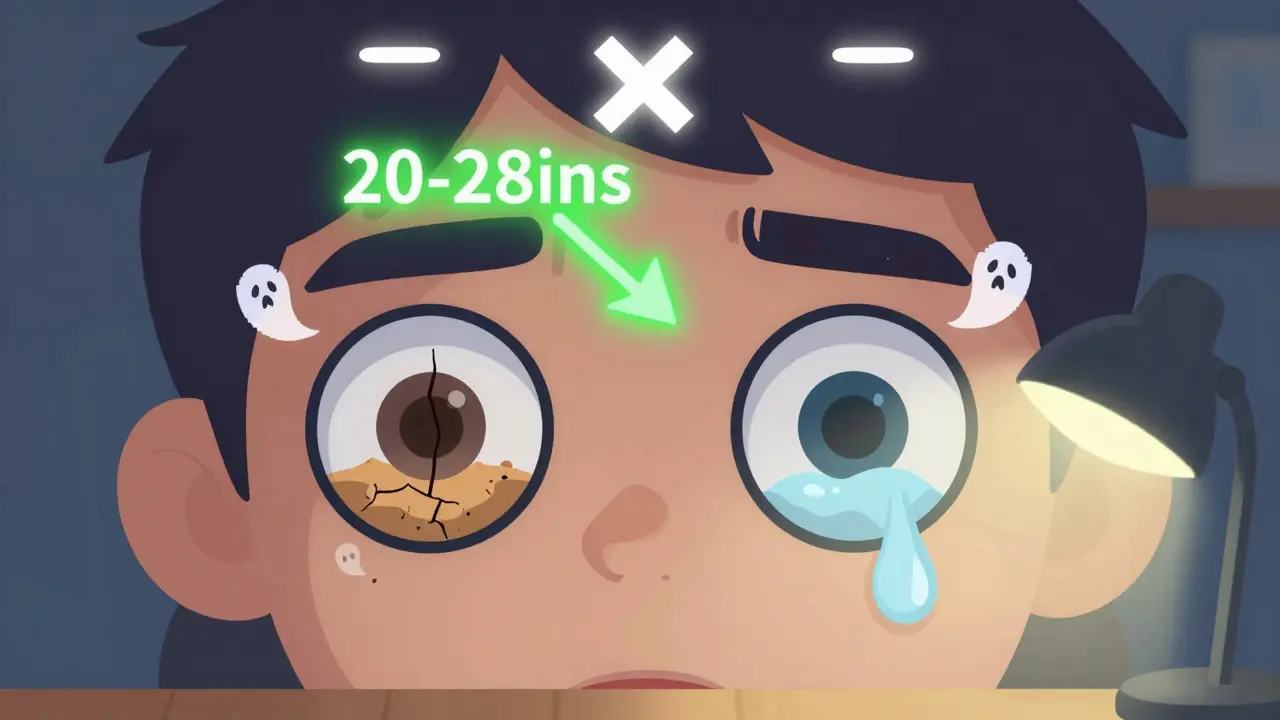
Your eyes work differently when you look at screens compared to reading a book. Printed text has sharp, high-contrast edges. Screens? They’re made of tiny pixels that glow, flicker, and blur slightly. Your eyes have to constantly refocus, trying to lock onto something that’s never quite sharp. Add to that the fact that you blink 66% less when staring at a screen-dropping from 15 blinks per minute to just 5-and your eyes dry out fast. That’s why so many people report burning, gritty, or watery eyes after hours online.And it’s not just your eyes. Your neck and shoulders pay the price too. If your monitor is too high, you’re looking up. Too low, and you’re craning down. Either way, your posture suffers. Studies show that screen height alone can increase neck strain by 30%. The ciliary muscles in your eyes, which control focusing, stay locked in tension for hours. No wonder you get headaches.
The 20-20-20 Rule: The Simplest Fix
The most effective, free, and proven way to reduce eye strain is the 20-20-20 rule. Every 20 minutes, look at something 20 feet away for at least 20 seconds. It sounds too easy to work-but it does. Clinical studies show it reduces symptoms by over 50%. You don’t need an app, though they help. Just pause. Stand up. Look out the window. Watch a bird fly by. Let your eyes relax. The goal isn’t to stop working. It’s to give your eyes a micro-break before they lock into fatigue.People who use reminder apps like EyeLeo or Time Out report fewer headaches within weeks. One software developer in Oxford cut his daily headaches from five days a week to just one, after sticking to the 20-20-20 rule for three weeks. It’s not magic. It’s physics. Your eyes need to change focus. If they never do, they get tired.
Screen Position Matters More Than You Think
Where you place your screen is just as important as how long you stare at it. The top of your monitor should be at or just below eye level. That means you’re looking slightly downward-about 15 to 20 degrees. This reduces neck strain and keeps your eyelids more covered, which helps your eyes stay moist.Distance matters too. Hold your arm out. Your screen should be about that far away-between 20 and 28 inches. Too close, and your eyes strain to focus. Too far, and you lean in, tightening your neck and shoulders. Use a tape measure if you’re not sure. Most people guess wrong. I’ve seen people sitting 12 inches from their screen, squinting like they’re reading fine print. That’s a recipe for disaster.
Lighting: The Hidden Culprit
Glare is your eyes’ worst enemy. If your screen reflects overhead lights or windows, your pupils have to work harder to see the text. That’s why you might feel better in a dim room than a bright one. The ideal ambient light is between 300 and 500 lux. Most offices run at 750-1000 lux-way too bright for screen work.Turn off harsh overhead lights. Use a desk lamp with a warm bulb, positioned to the side so it doesn’t shine on your screen. If you can’t avoid windows, use blinds or curtains. Adjust your screen brightness to match the room. If your screen looks like a flashlight in a dark room, it’s too bright. If it’s hard to read in daylight, it’s too dim. Aim for 50-70% brightness. Many modern monitors have an "eye care" mode that does this automatically.
Computer Glasses: Do They Help?
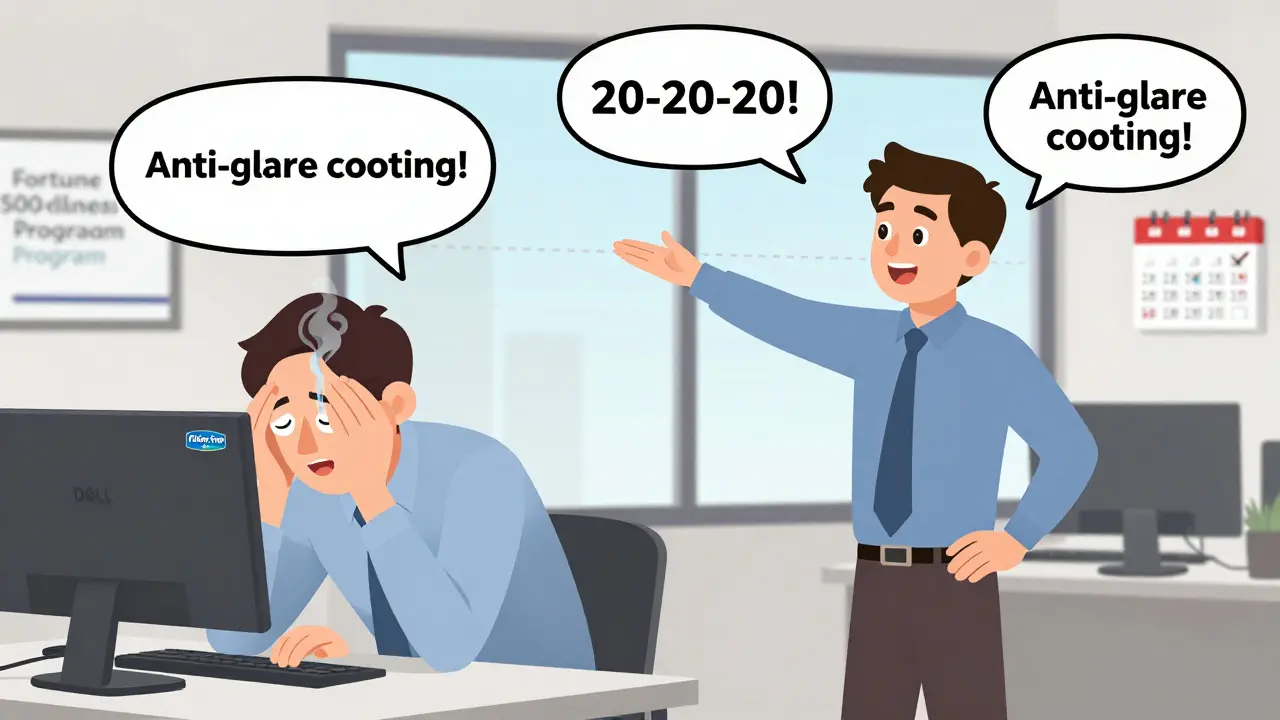
Blue light filtering glasses are everywhere now. They’re marketed as the solution to digital eye strain. But here’s the truth: they’re not a cure-all. Some people swear by them. Others feel no difference. A double-blind study by the American Academy of Ophthalmology found blue light glasses only added about 15% more relief than regular clear lenses. That’s not nothing-but it’s not a game-changer either.What does work? Glasses with an anti-reflective coating. That’s the real hero. It cuts glare. It reduces the need for your eyes to squint. If you already wear prescription glasses, ask your optometrist about adding this coating. If you don’t wear glasses, but you’re having symptoms, get an eye exam. Nearly 70% of people with digital eye strain have an uncorrected vision problem-maybe mild astigmatism or early presbyopia. Glasses made specifically for computer distance (not reading or distance vision) can make a huge difference.
Artificial Tears and Dry Eyes
Dry eyes are one of the most common symptoms. And the fix is simple: lubricating eye drops. Use preservative-free artificial tears 2-4 times a day. You don’t need a prescription. Over-the-counter brands like Systane or Refresh work fine. A Cleveland Clinic study found 78% of users saw improvement within a week.But here’s the catch: you have to blink fully. Most people don’t. They just flutter their eyelids. A full blink wipes the tear film evenly across your eye. Set a reminder to blink consciously every 4-5 seconds while working. It sounds silly, but it helps. One graphic designer in London said fixing her blink pattern eliminated her dry eye pain in under 10 days.
What’s New in 2026?
The FDA approved a new prescription eye drop called EYSUVIS in 2023, specifically for dry eye caused by screen use. It’s not for everyone, but it’s a sign that doctors are taking this seriously. Monitor makers like Dell and ASUS now include flicker-free tech and auto-brightness in their higher-end models. Apple and Windows have built-in night light modes that reduce blue light after sunset. These aren’t gimmicks-they’re responses to real, widespread problems.Companies are catching on too. Sixty-eight percent of Fortune 500 firms now include digital eye strain prevention in their workplace wellness programs. That’s up from 22% in 2019. Employers are realizing that eye strain isn’t just uncomfortable-it cuts productivity by up to 20%.
What Doesn’t Work
Don’t waste money on blue light-blocking screen filters. They rarely help. Don’t rely on "eye exercises" you find on YouTube. There’s no evidence they reduce strain. And don’t ignore your symptoms. Thinking "I’ll get used to it" is like ignoring a toothache. It won’t go away. It’ll get worse.Start Today: Your 5-Minute Action Plan
You don’t need a complete overhaul. Just do these five things today:- Measure your screen distance. Move it to 20-28 inches away.
- Adjust your monitor so the top is at or below eye level.
- Turn off overhead lights. Use a desk lamp instead.
- Set a timer for 20 minutes. When it goes off, look out the window for 20 seconds.
- Put a bottle of preservative-free eye drops on your desk. Use them twice today.
Do that for a week. If you still feel tired, schedule an eye exam. Tell your optometrist you’re having digital eye strain. Ask if you need computer-specific glasses. Most people don’t realize their vision has changed until they’re told.
Final Thought
Your eyes are not replaceable. You won’t notice the damage until it’s too late. Digital eye strain isn’t permanent-but it doesn’t have to be a daily fact of life either. The solutions are simple, cheap, and backed by science. You don’t need to quit your job. You don’t need to buy expensive gear. Just change how you use your screen. Your eyes will thank you.Is computer vision syndrome permanent?
No, computer vision syndrome is not permanent. It’s a temporary condition caused by prolonged screen use. Symptoms like eye strain, dryness, and headaches usually go away with rest, proper screen habits, and ergonomic adjustments. However, if ignored for years, chronic eye strain can contribute to worsening vision or long-term dry eye, so it’s important to address symptoms early.
Do blue light glasses really help with digital eye strain?
Blue light glasses offer limited benefit for digital eye strain. Studies show they provide only about 15% more relief than regular clear lenses. The real issue isn’t blue light-it’s focusing fatigue, reduced blinking, and glare. Anti-reflective coating on lenses helps more than blue light filtering. If you have trouble sleeping at night, blue light filters may help with that, but they’re not the main fix for eye strain.
How often should I get an eye exam if I use a computer all day?
If you use a computer for more than two hours a day, get a comprehensive eye exam every 12 months. Many people with digital eye strain have uncorrected vision problems like astigmatism or early presbyopia. A standard eye exam might miss these if it doesn’t include a specific computer vision assessment. Ask your optometrist to test your vision at your typical screen distance.
Can children get computer vision syndrome?
Yes, children are just as vulnerable as adults. With remote learning and increased screen time for games and social media, kids are spending more time on devices than ever. Symptoms like eye rubbing, headaches, and squinting are common. Encourage the 20-20-20 rule, limit screen time before bed, and make sure their screen is at eye level. Annual eye exams are just as important for kids who use digital devices regularly.
What’s the best way to reduce glare on my screen?
Reduce glare by adjusting your lighting. Avoid bright overhead lights and direct sunlight hitting your screen. Use blinds or curtains on windows. Position your screen perpendicular to windows, not facing them. Turn on your monitor’s anti-glare setting if it has one. Clean your screen regularly with a microfiber cloth-dust and fingerprints scatter light and make glare worse. Anti-reflective coating on glasses also helps significantly.
Are there free tools to help me follow the 20-20-20 rule?
Yes. On Windows, use the built-in "Night Light" feature and set reminders with the Clock app. On Mac, use the built-in "Focus" mode or download the free app EyeLeo. There are also browser extensions like Time Out (free version) that pause your work every 20 minutes with a gentle alert. You don’t need to pay for anything-just set a reminder and stick to it.

14 Comments

Glenda Marínez Granados
So let me get this straight... we're all doomed to stare at glowing rectangles until our eyeballs turn to dust, but the solution is to look at a tree for 20 seconds? 🤦♀️ I'll just keep crying into my ergonomic keyboard.

Yuri Hyuga
This is such a vital reminder! 🌟 Your eyes are your most precious sensors-treat them like the crown jewels of your body. Start small: 20-20-20 rule today. Stand up. Stretch. Breathe. Your future self will high-five you. You’ve got this! 💪✨

Philip Williams
I appreciate the data-driven approach. The 66% reduction in blink rate is particularly compelling. I've observed this anecdotally-when I'm deep in code, I forget to blink entirely. The 20-20-20 rule is scientifically sound and practically feasible.

Rod Wheatley
I’ve been using EyeLeo for six months now-and wow. My migraines dropped from daily to once a week. Also, I started blinking consciously-yes, I set a reminder to BLINK-and my dry eyes are GONE. Don’t underestimate the power of a full blink. It’s not just a habit-it’s a biological reset button. Try it. You’ll thank me later. Seriously.

Stephen Rock
The 20-20-20 rule is a gimmick. You're not fixing the problem-you're just delaying the inevitable. We're all cyborgs now. Accept it. Your eyes are hardware. Upgrade your brain instead.

Amber Lane
I used to hate the 20-20-20 rule. Now I look for birds. It’s my favorite part of the day.

Ashok Sakra
My eyes hurt so bad I cry at night. My boss says I need to just push through. I think he hates me. I hate my screen. I hate my job. I hate this life.

Andrew Rinaldi
I’ve tried the 20-20-20 rule. Sometimes I forget. Sometimes I remember but don’t do it. I don’t judge people who don’t follow it perfectly. We’re all just trying to survive the digital age.

Gerard Jordan
This hit home. 🙌 I work remotely and didn’t realize how bad my setup was. I moved my monitor, got eye drops, and now I actually enjoy my workday. To anyone reading this: you deserve comfort. Start small. You’re not lazy-you’re human. 🌱❤️

michelle Brownsea
I find it astonishing that anyone still believes in 'blue light' as the primary culprit. The literature is unequivocal: it's accommodative stress, reduced blink rate, and glare. The fact that this article even mentions 'blue light glasses' as a marketable product is disappointing. Please, educate yourself before perpetuating pseudoscience.

Roisin Kelly
This is all just corporate propaganda. They want you to think you can fix it with eye drops and a desk lamp. Meanwhile, your company makes you work 12-hour days on Zoom. Wake up. They don’t care about your eyes. They care about your productivity.

Malvina Tomja
If you're still using Windows Night Light, you're doing it wrong. You need f.lux. And you need to turn your brightness down to 15%. Also, your monitor is probably too close. You're doing it all wrong. I've been doing this since 2010. I'm an expert.

Samuel Mendoza
Children? No. They're fine. Kids today are just weak.

Coral Bosley
I used to think I was just tired. Turns out my eyeballs were screaming. Now I have a whole ritual: dim lights, eye drops, 20-20-20, and a 10-minute walk. It’s not glamorous. But it’s mine. And I don’t apologize for it.



Write a comment